
People & access
Roles, access, and unit boundaries
What instructors, Cadets, position holders, and platform administrators can reach.
Guide at a glance
How to use this guide
Start with
Have the person’s exact account email, unit, role, roster link, and any held position available before changing access.
By the end
The person can reach what their duty requires, cannot reach unrelated areas, and remains individually attributable.
Account roles
| Role | Access model |
|---|---|
| Instructor | Full authority inside their own unit, including roster, structure, positions, approvals, calendar, reports, tools, and billing. |
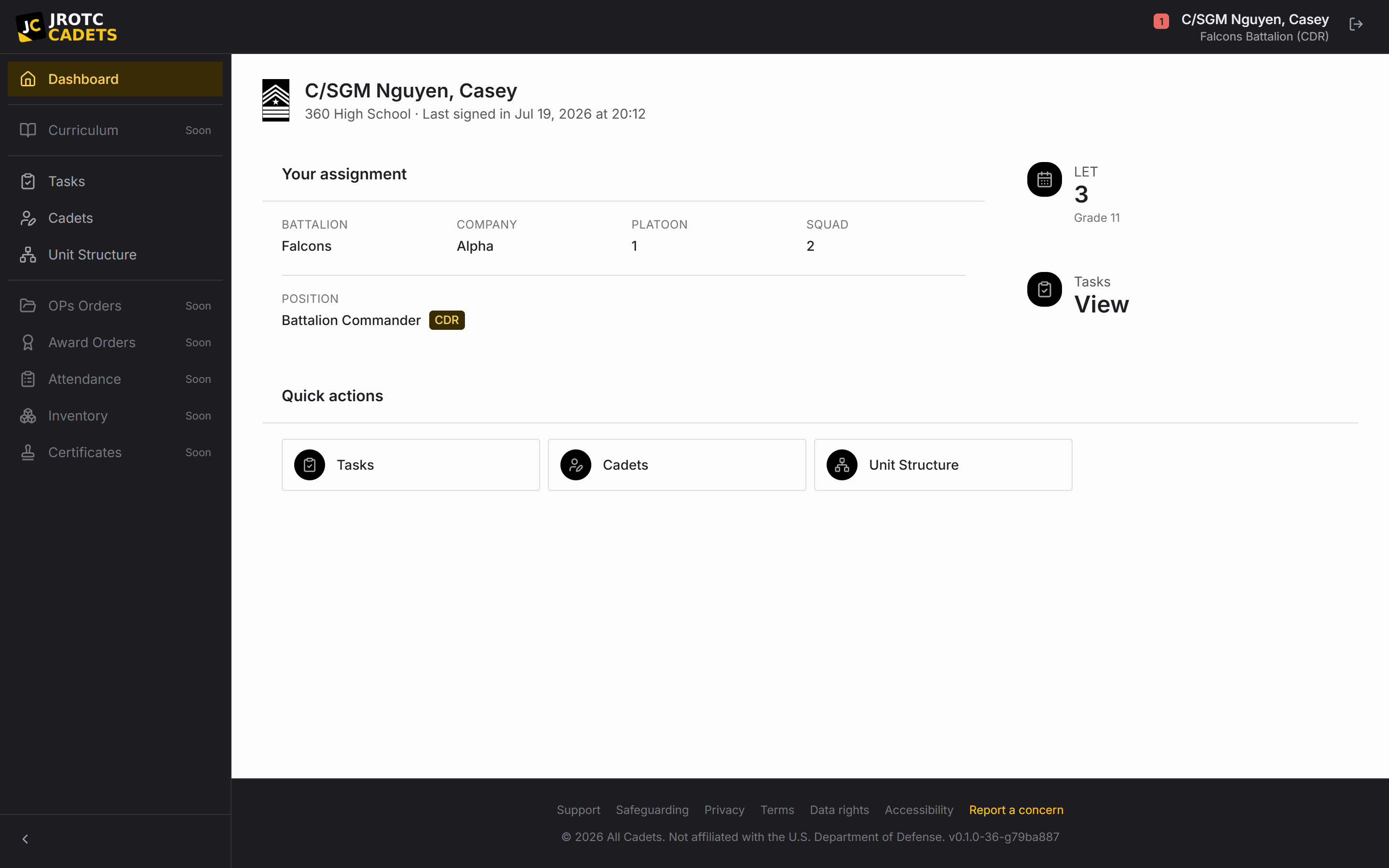
| Cadet | Can view the roster and edit records; whether a save is direct or becomes a request depends on relative authority. Extra unit and tool access comes from the held position. |
| Platform administrator | The separate staff console for units, accounts, instructor approvals, subscriptions, support, security, and compliance. Administrative actions are logged. |
Unit isolation
A role never opens another school’s records. The unit boundary is built into the platform rather than exposed as a share setting.
A position may also have a narrower scope inside its own unit. A company-level position should not be assumed to reach every formation above or beside it.
Use the least access that works
Give Cadets permissions through the position that requires them. Avoid informal titles without a real assignment, and avoid adding broad grants to solve a single missing action.
Review a position’s grants whenever the billet changes hands. Although access moves automatically with the position, the new holder may not yet need every direct-apply capability the previous holder earned.
Diagnose an access problem
- 1Confirm the person is signed into the intended account.
- 2Confirm the Cadet account is linked to the correct roster record.
- 3Confirm the Cadet is assigned to the intended position.
- 4Inspect the grants attached to the position.
- 5Check whether the requested record falls inside the position’s structural scope.
Key terms in this guide
- Cadet record
- The unit’s authoritative operational record for one Cadet; it is separate from the account used to sign in.
- Registration
- The request to create or connect a sign-in identity. It is not itself an active roster record.
- Position
- A named unit duty that can carry permissions, scope, an assigned Cadet, and continuing work.
- Direct apply
- Authority for a position holder to make a permitted change without waiting for instructor approval.
Continue reading
Configure positions and permissions
Build a chain of command where responsibility and access survive annual turnover.
Read nextRegister, approve, and link a Cadet account
Why sign-in and roster records are separate, and how to connect them without creating duplicates.
Read nextSecurity, sessions, and shared devices
How sign-in, automatic session endings, role boundaries, and logged administrative access protect unit records.
Read next