
Start here
How All Cadets works
A complete mental model of the unit, its records, and the approval-led workflow that connects them.
Guide at a glance
How to use this guide
Start with
Read this before making broad setup decisions. The order and relationships matter more than memorizing individual screens.
By the end
You should be able to explain how the unit, roster, structure, accounts, roles, and workflows fit together.
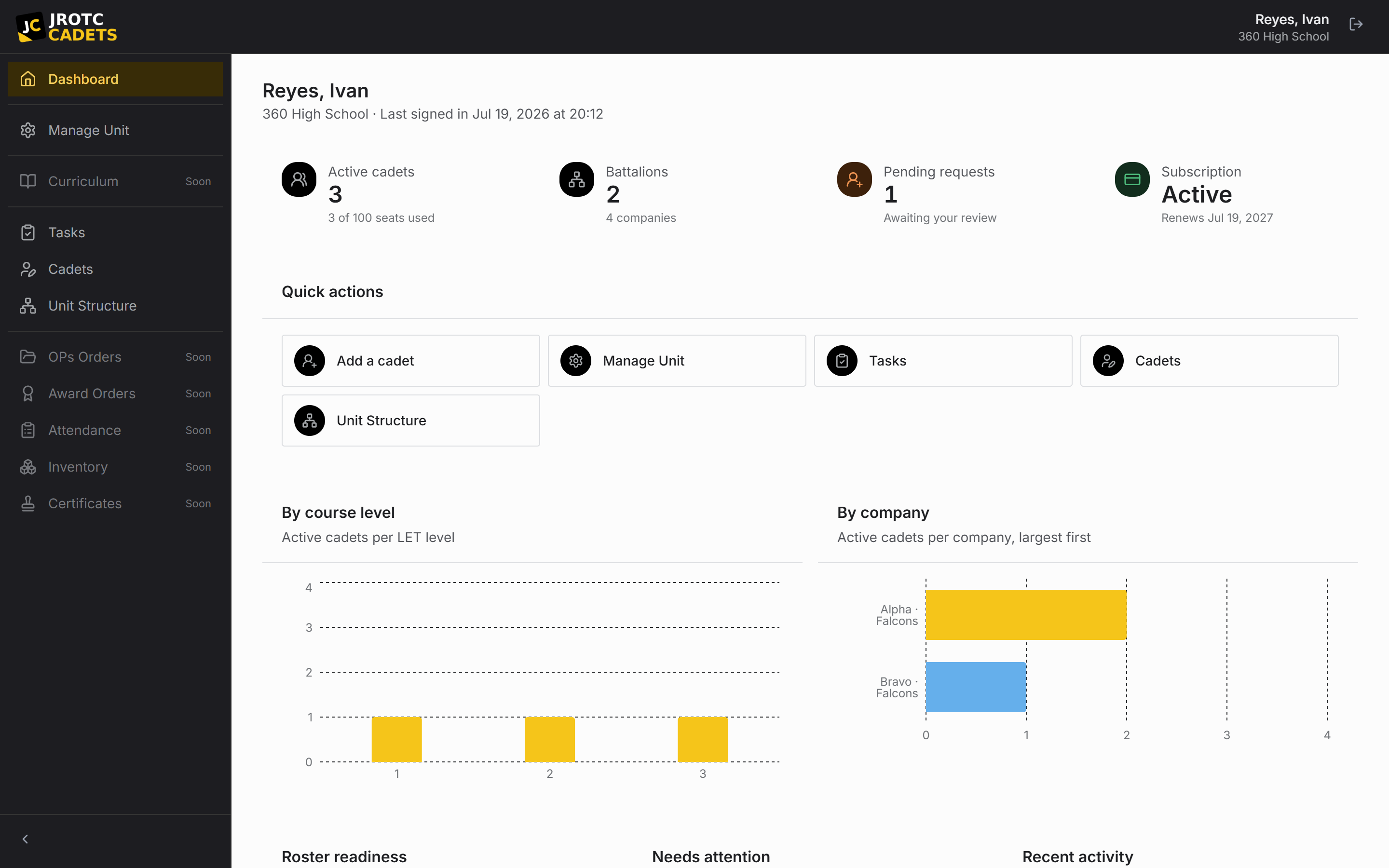
The unit is the security boundary
All Cadets is organized around a unit: one school’s program on one branch and program domain. Its instructors, Cadets, academic years, roster, structure, positions, tasks, calendar, reports, tools, and history live inside that boundary.
The web application and Windows desktop application use the same account and unit data. Each person signs in to an individual account, which makes permissions and actions attributable.
The roster is the source of truth
Each Cadet has one roster record containing course level, grade, rank, contact details, and placement. Positions, taskings, payment status, and history connect back to that record.
Registration is not the same as a roster record. A Cadet account becomes useful only after an instructor approves it and links it to the correct record.
Structure gives records context
The unit tree describes where a Cadet belongs. The labels follow the program: an Army unit may use battalions, companies, platoons, and squads, while an Air Force unit may use groups, squadrons, and flights.
Build the tree before entering the roster. Placement is then made once, during entry, instead of corrected across an entire unit later.
Delegation is position-based
A permission belongs to a position, not directly to a Cadet. Assigning a Cadet to the personnel billet gives them the access attached to that billet. When the holder changes, the access moves with the position.
By default, Cadet staff propose changes for instructor review. Trusted positions can be allowed to apply specific changes directly. This keeps delegation narrow, visible, and repeatable.
Work and decisions stay attributable
Taskings may belong to a named Cadet or to a position. Assign recurring responsibilities to a position so they survive turnover.
Approved, denied, and direct changes feed the change history. The record shows what changed, the old and new values, who acted, and when.
Key terms in this guide
- Cadet record
- The unit’s authoritative operational record for one Cadet; it is separate from the account used to sign in.
- Registration
- The request to create or connect a sign-in identity. It is not itself an active roster record.
- Position
- A named unit duty that can carry permissions, scope, an assigned Cadet, and continuing work.
- Change request
- A proposed official change that keeps the current and proposed values available for review.
Continue reading
Set up a unit from start to finish
The recommended setup order, with the dependencies and checks that prevent cleanup later.
Read nextRoles, access, and unit boundaries
What instructors, Cadets, position holders, and platform administrators can reach.
Read nextRead the change history
Trace what changed, who acted, and what the record contained before the change.
Read next